How it works
From signup to your first order, in an afternoon.
Six steps. You connect your own Stripe, build your menu, choose how customers get their order, publish it to your site, and start taking orders on the devices you already have.
Delitero is launching soon. Join the waitlist and we will email you when it opens.
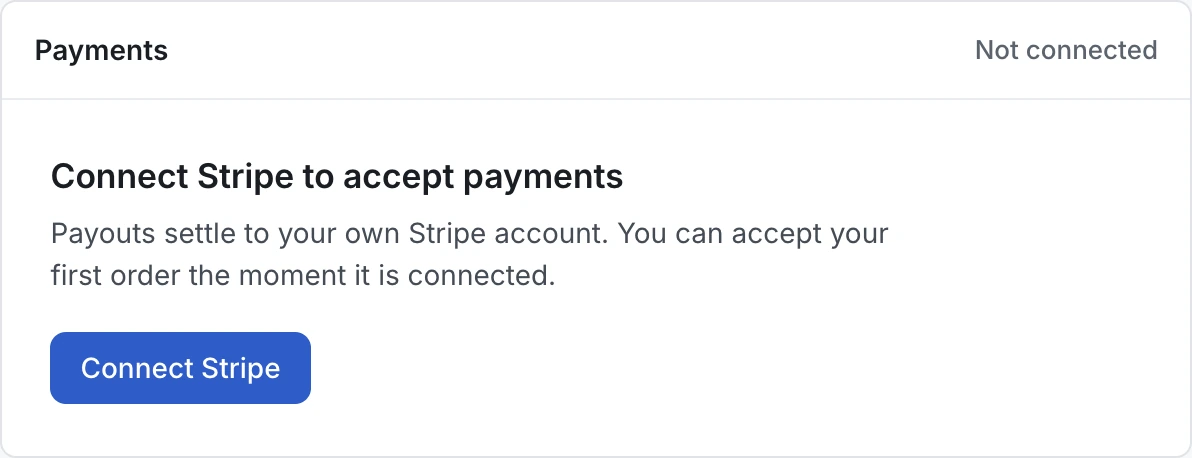
Connect Stripe
Link your own Stripe account, or create one in a few minutes. Payouts land in your bank; Delitero never holds your funds.
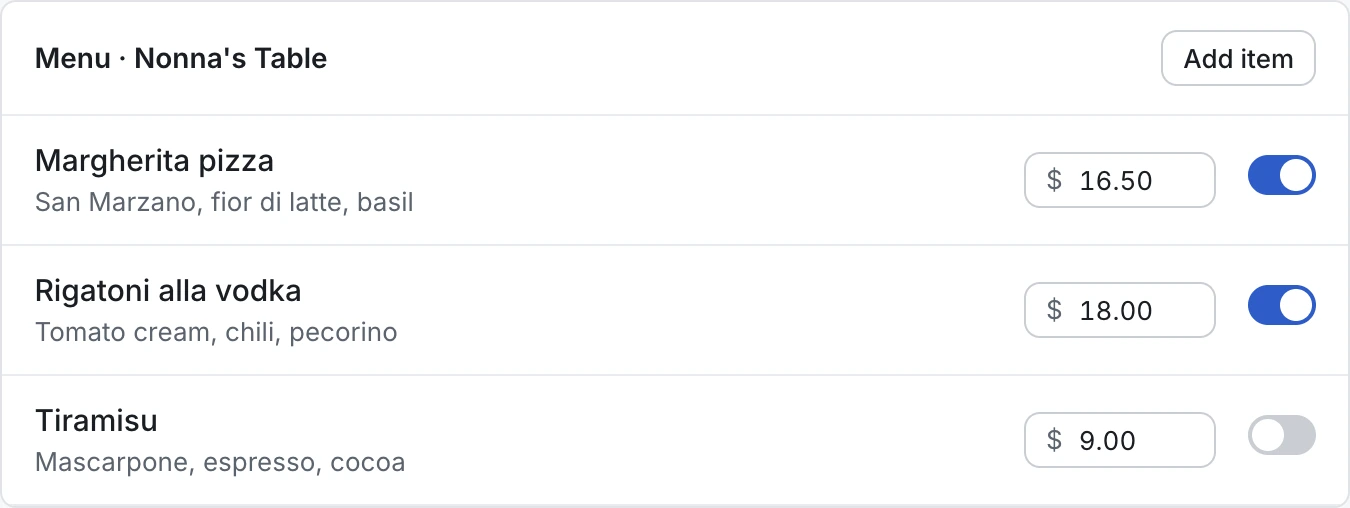
Build your menu
Add items and prices, sizes and add-ons, required and optional choices. Set hours, mark something sold out, change a price, all yourself.
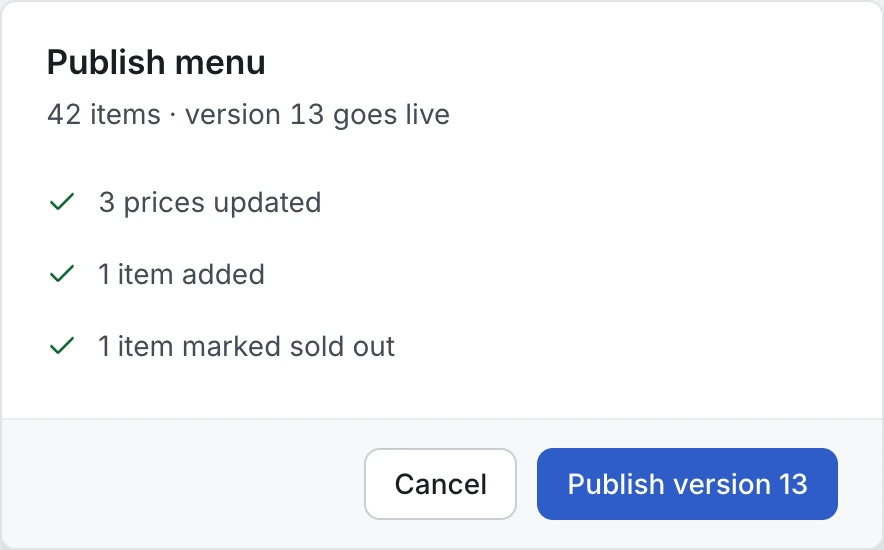
Publish
Review what changed and publish. Every version is saved, so you can see exactly what went live and when.
Choose how customers get it
Pickup, delivery by your own drivers, or both. Now, in a time window later, or on a chosen date. Turn on the ones that fit and set the fee, the minimum and the limits.
- Now As soon as it is ready.
- Later A window the customer picks.
- A chosen date With a cap per day.
- Delivered By your own drivers.
Add it to your site
Paste one snippet into your website and ordering appears on your own domain. No developer required, and no website needed: every business also gets a hosted ordering page.
Ordering page
<div data-delitero-restaurant="rst_9f2a64d1-7c3e-4b8a-9d21-8e5f0a6c4b7e" style="height: 640px; max-width: 480px">
  <a href="https://order.delitero.com/r/rst_9f2a64d1-7c3e-4b8a-9d21-8e5f0a6c4b7e">Order online</a>
</div>
<script src="https://order.delitero.com/embed.js" defer></script>
Orders arrive on your devices
New orders land on the Orders screen, on an iPad or Android tablet you already have, and deliveries go to your drivers' phones. Accept, prepare, and hand off, all in one flow.
Miss nothing. If an order sits unaccepted, Delitero alerts your devices again at 1:00, emails you at 2:00 and again at 4:00, and after 15 minutes it cancels the order and refunds the customer in full.
Six steps, and you run every one.
Delitero is launching soon. Join the waitlist and we will email you when it opens.
5% per order, only when you sell. Nothing else.